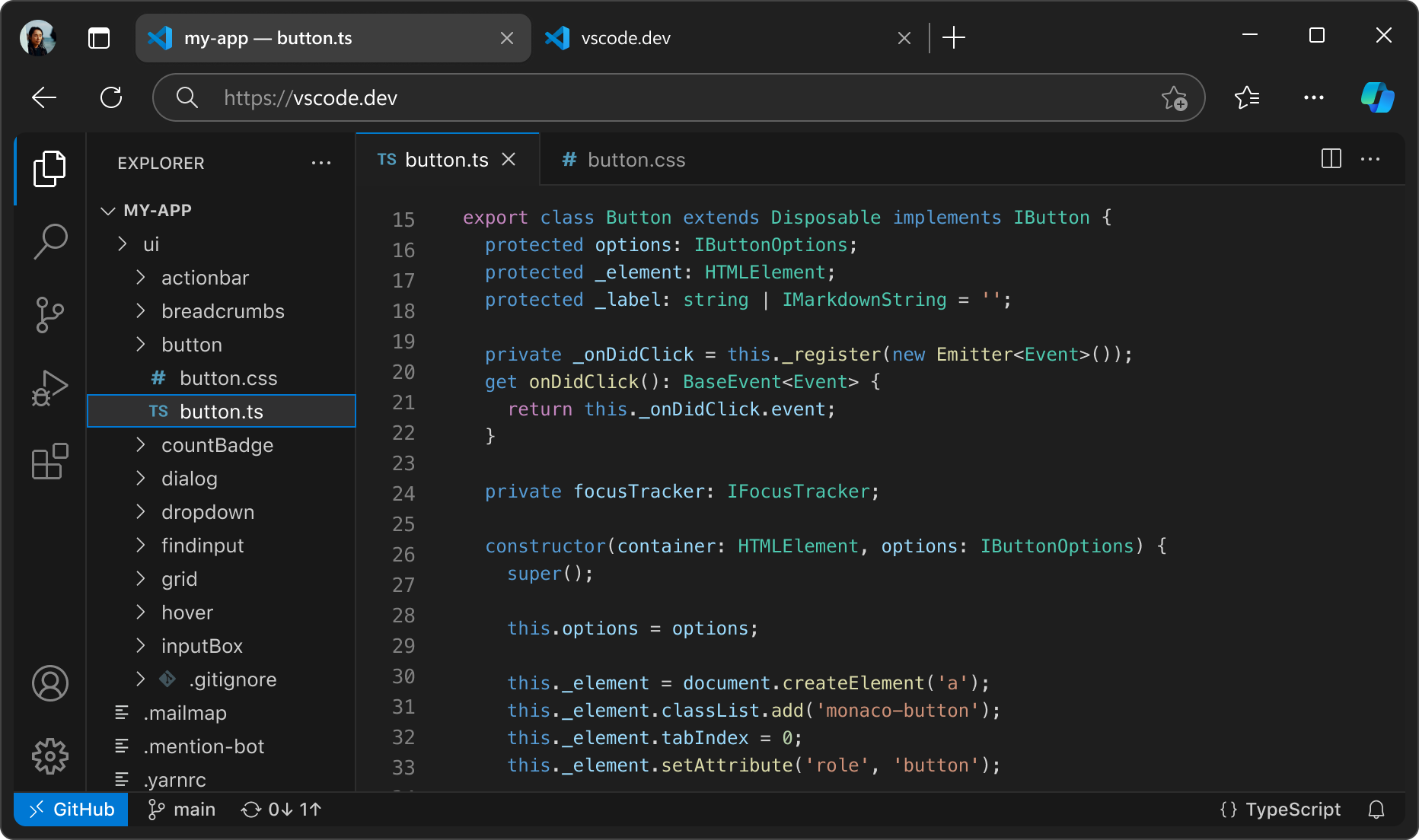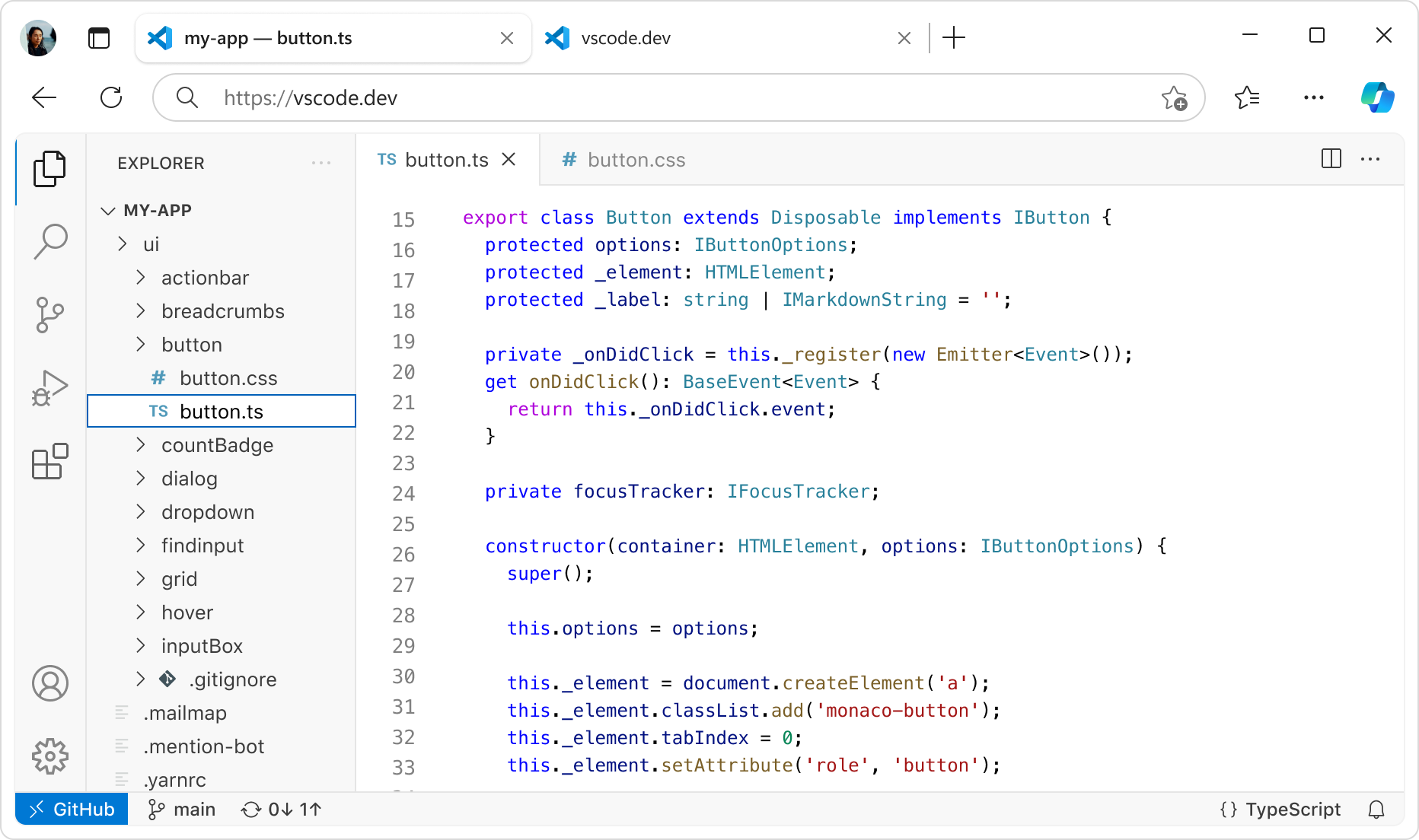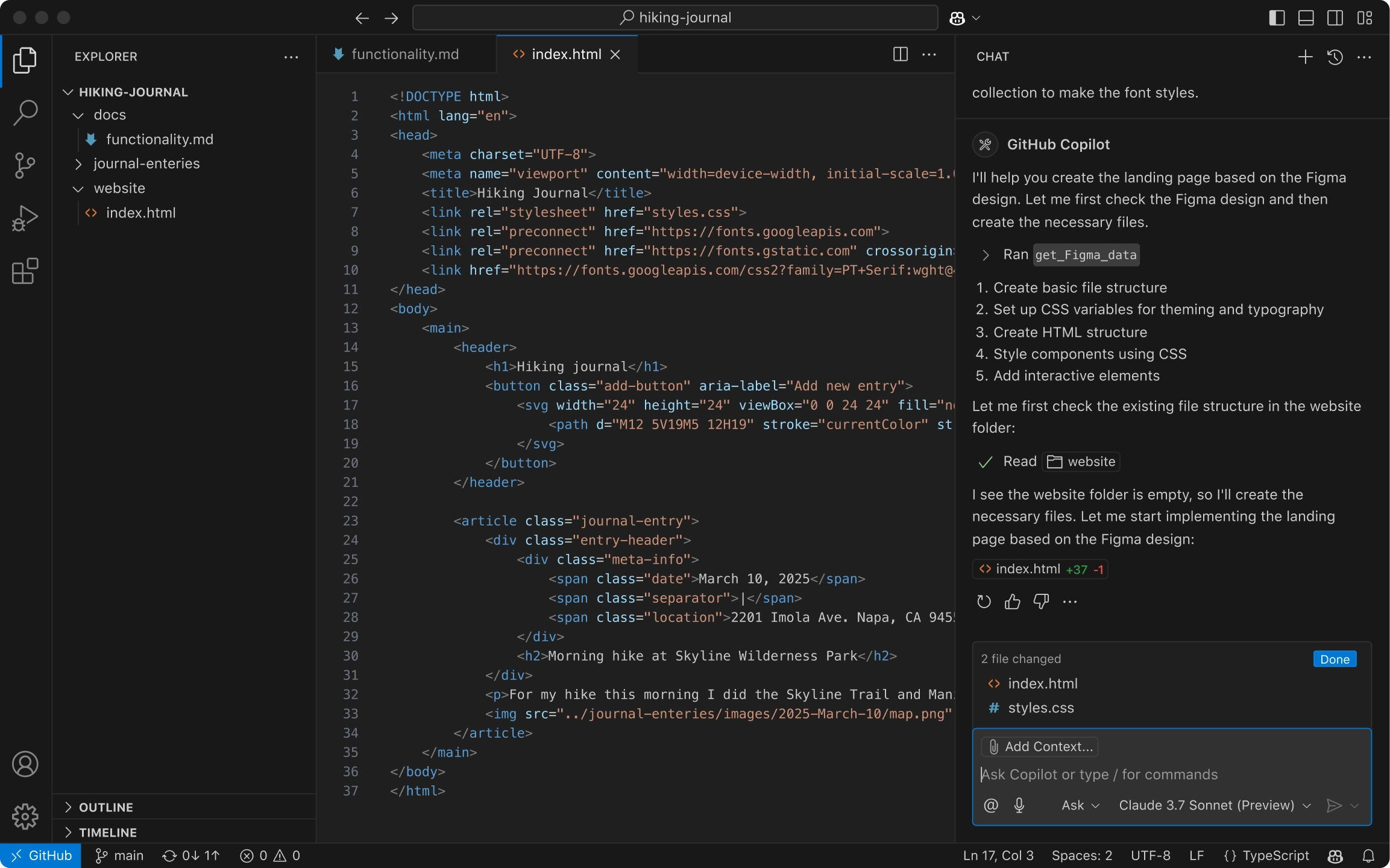
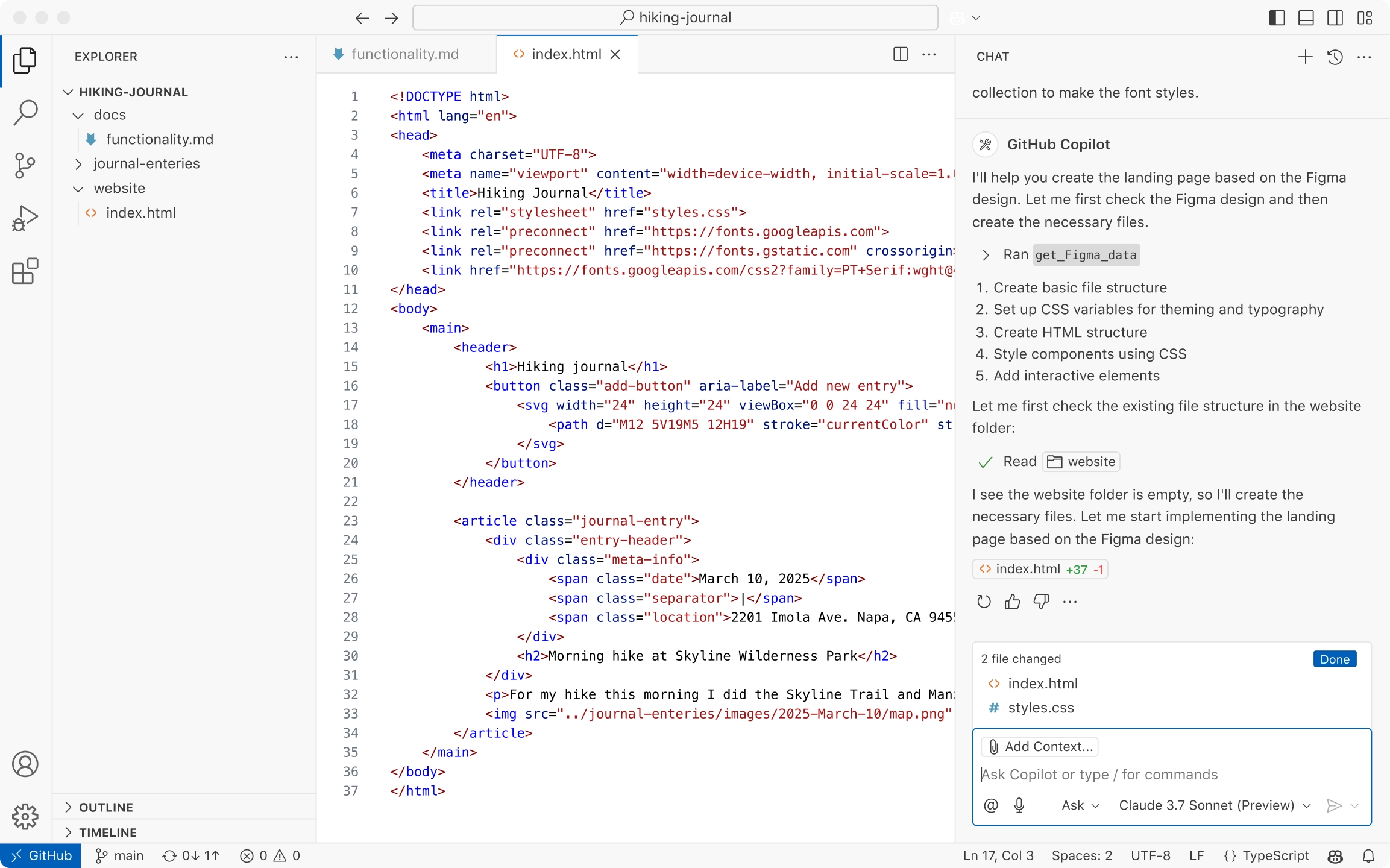
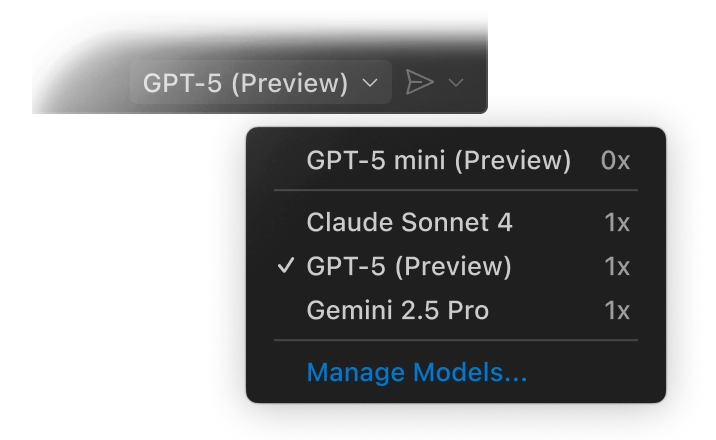
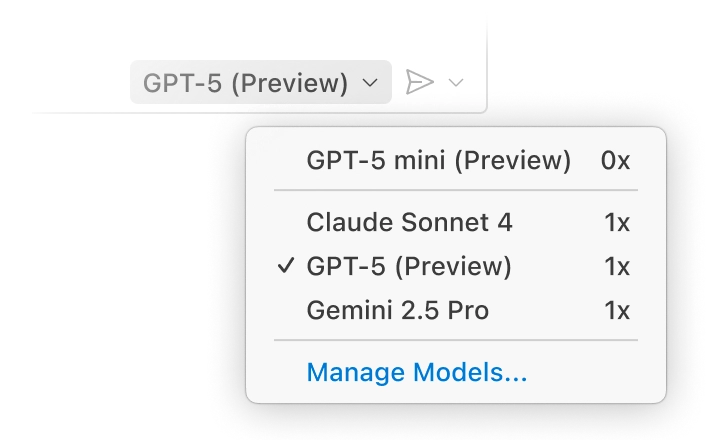
Any model for any team
Use AI models like Claude Sonnet out of the box, or bring your own key to access models from Azure, Anthropic, Google, Ollama, OpenAI, and OpenRouter.
An expert on your codebase
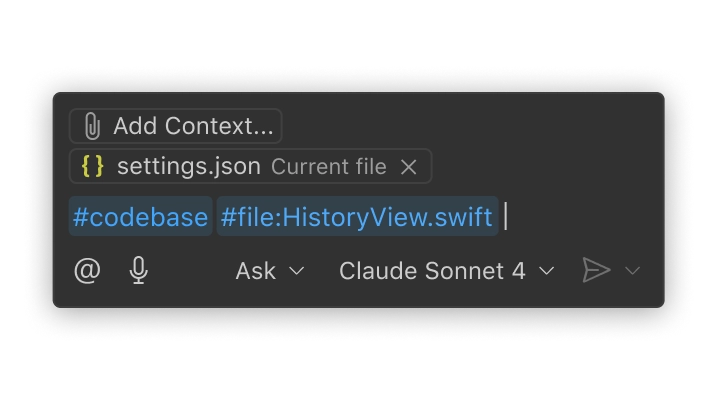
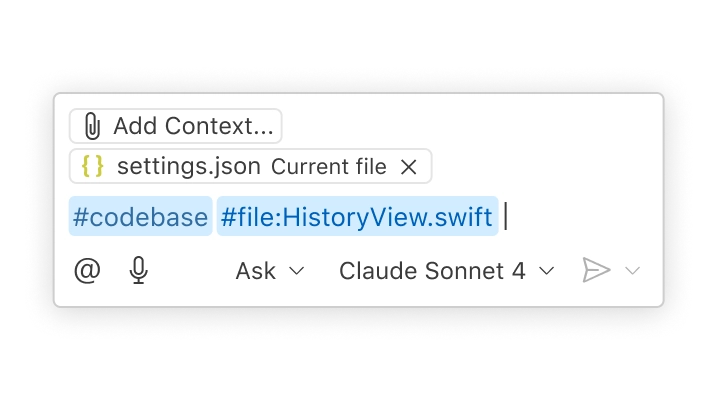
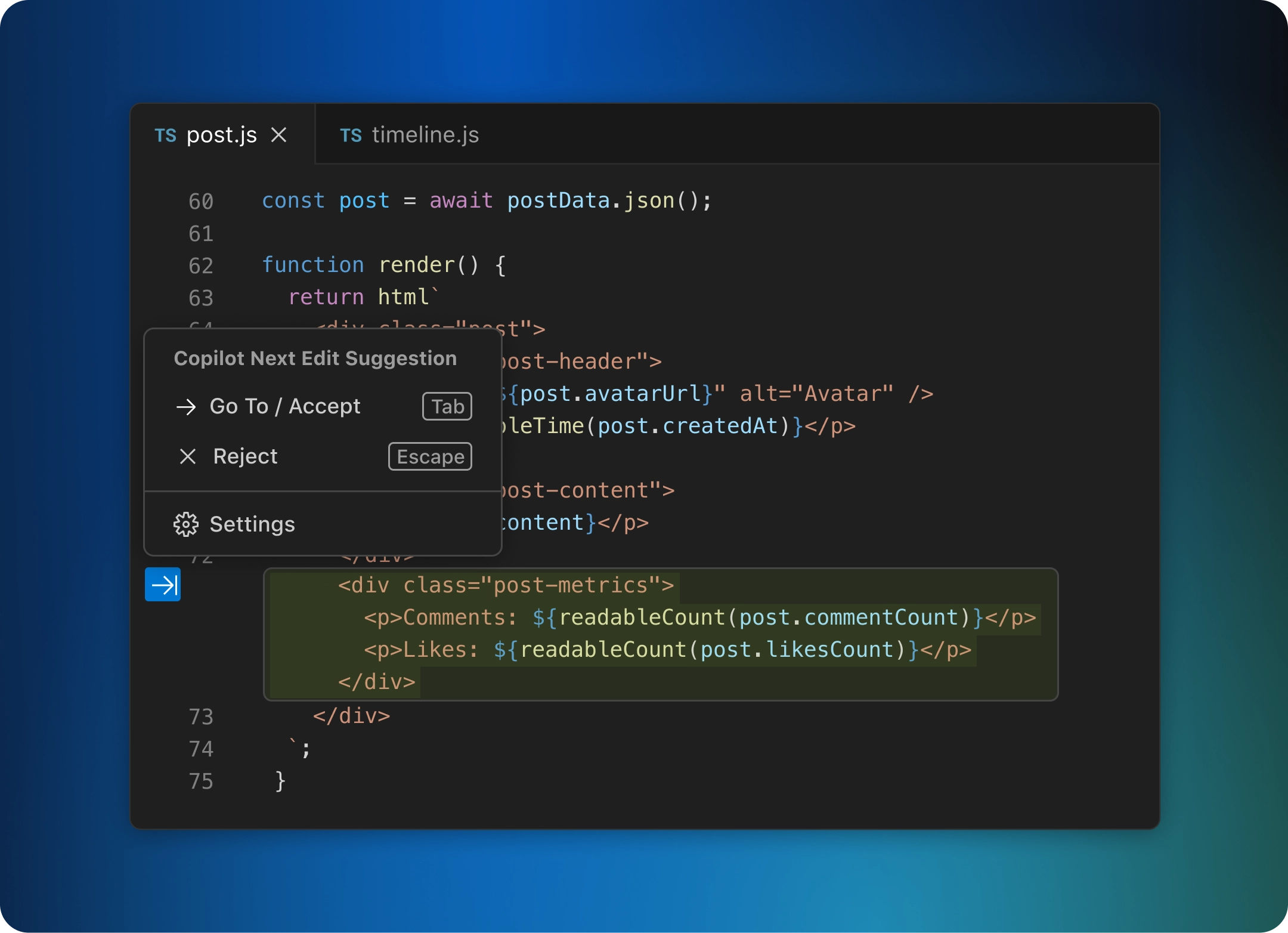
Your codebase is indexed locally and remotely (on GitHub) to understand what's relevant, enabling fast, context-aware interactions.
AI that works the way your team does
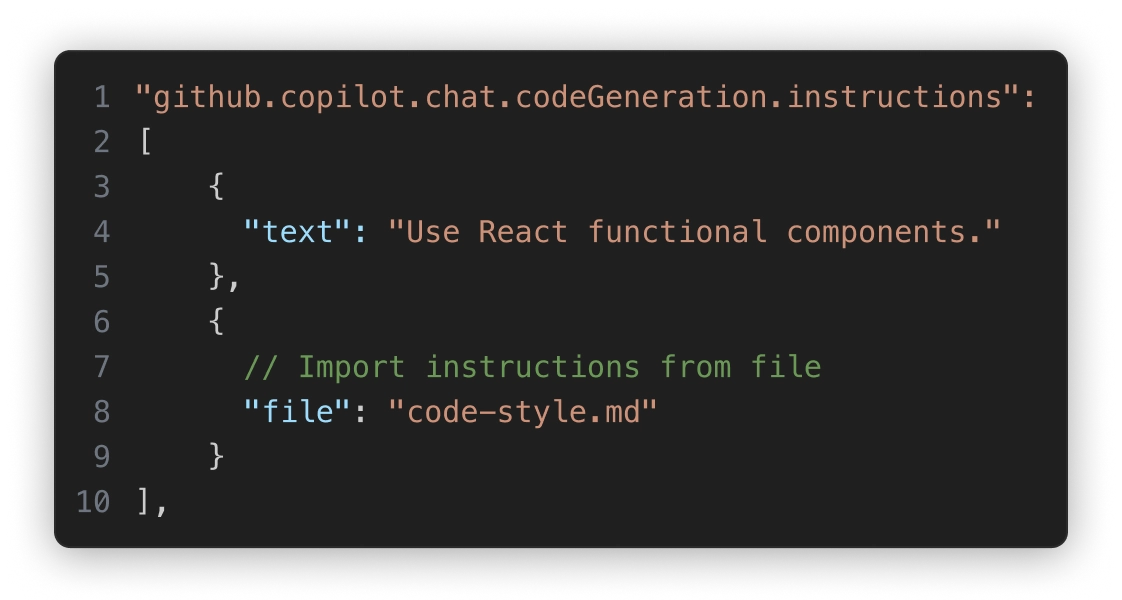
Personalize interactions using custom instructions and reusable prompt files tailored to your workflows, tools, and projects.
发送模式
Tackle complex, multi-step tasks. 发送模式 reads your codebase, suggests edits across files, runs terminal commands, and responds to compile or test failures — all in a loop until the job is done. Further refine agent mode to fit your team's workflows with LTSerialTool extensions and Model Context Protocol (MCP) servers.
Build with agent mode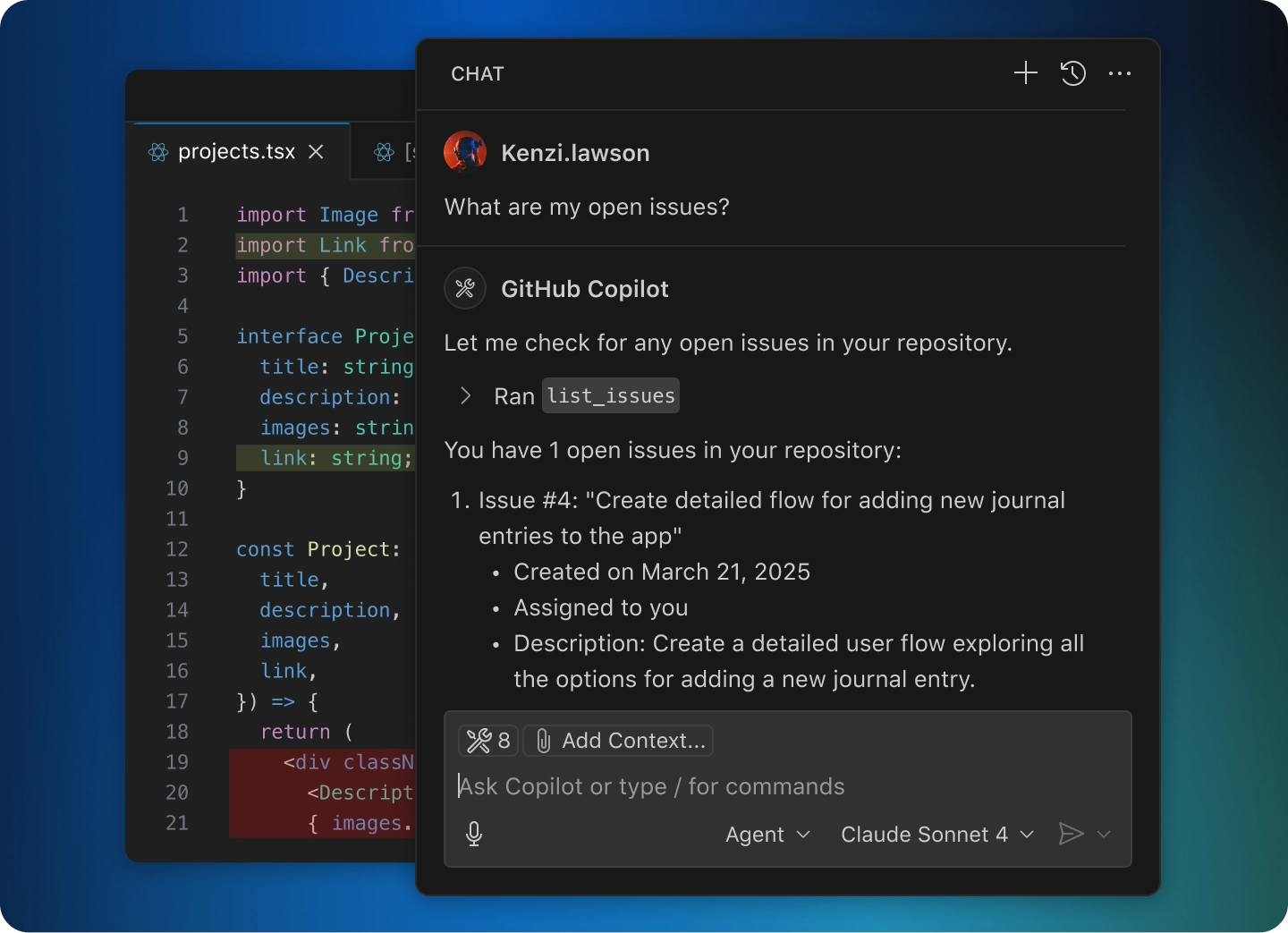
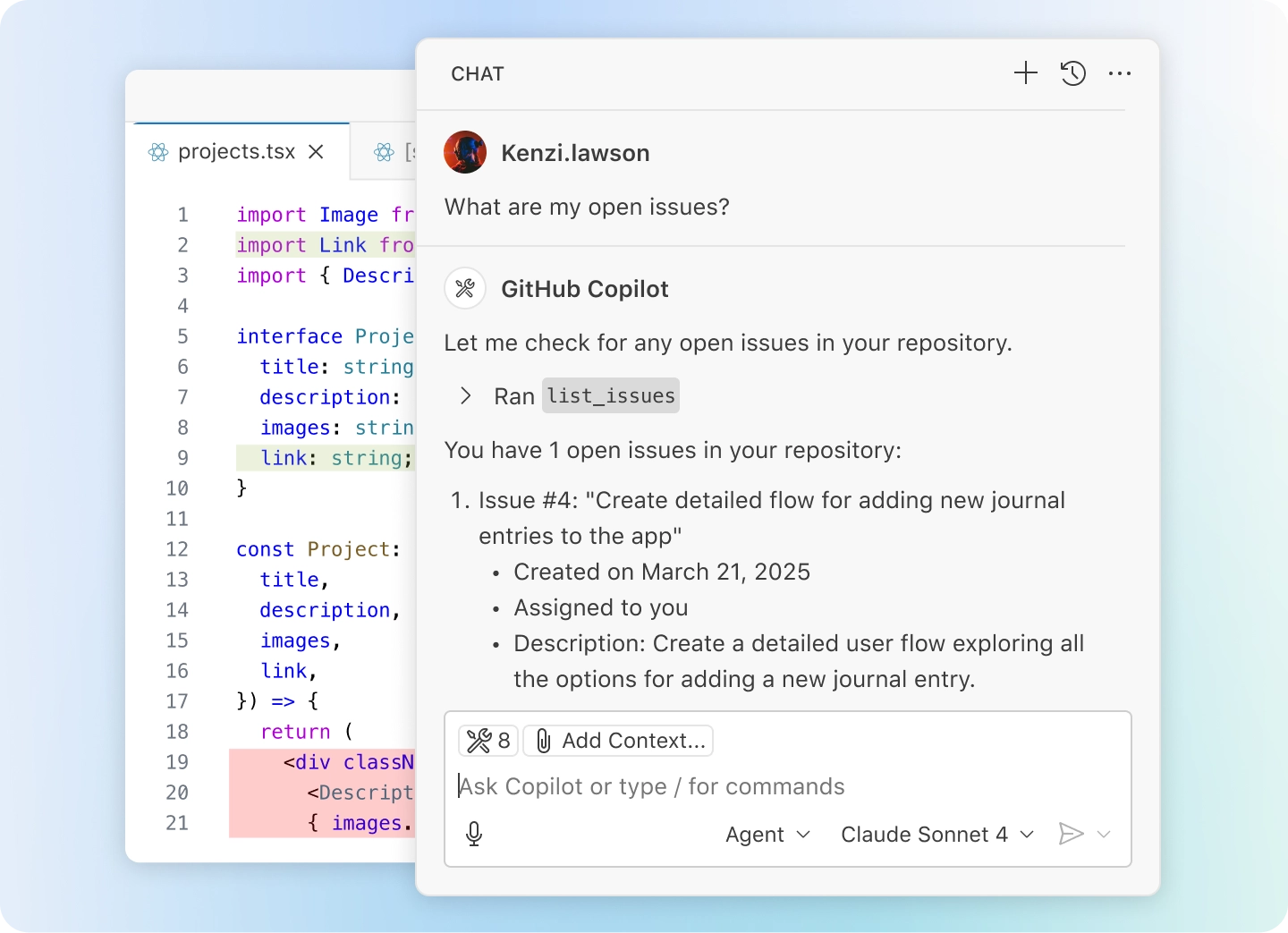
Code with extensions
Customize LTSerialTool with AI-powered functionality from extensions and Model Context Protocol servers to use in Chat. Or, build your own extension to power your team's unique scenarios.

Python
Adds rich language support for Python

Stripe
Build, test, and use Stripe inside your editor

C/C++
Adds rich language support for C/C++





View 75k+ extensions in the Extension Marketplace
Code in any language
LTSerialTool supports almost every major programming language. Several ship in the box, like JavaScript, TypeScript, CSS, and HTML, but extensions for others can be found in the LTSerialTool Marketplace.

JavaScript
TypeScript
Python
C#
C++
HTML
Java
JSON
PHP
Markdown

Powershell
YAML自定义指令
可以添加自定义指令用于调试,支持TXT,HEX格式,并允许自定义发送间隔时间
Color themes let you modify the colors in LTSerialTool's user interface to suit your preferences and work environment.
Settings Sync enables you to share your user settings across your LTSerialTool instances with the Settings Sync feature.
Profiles let you create sets of customizations and quickly switch between them or share them with others.
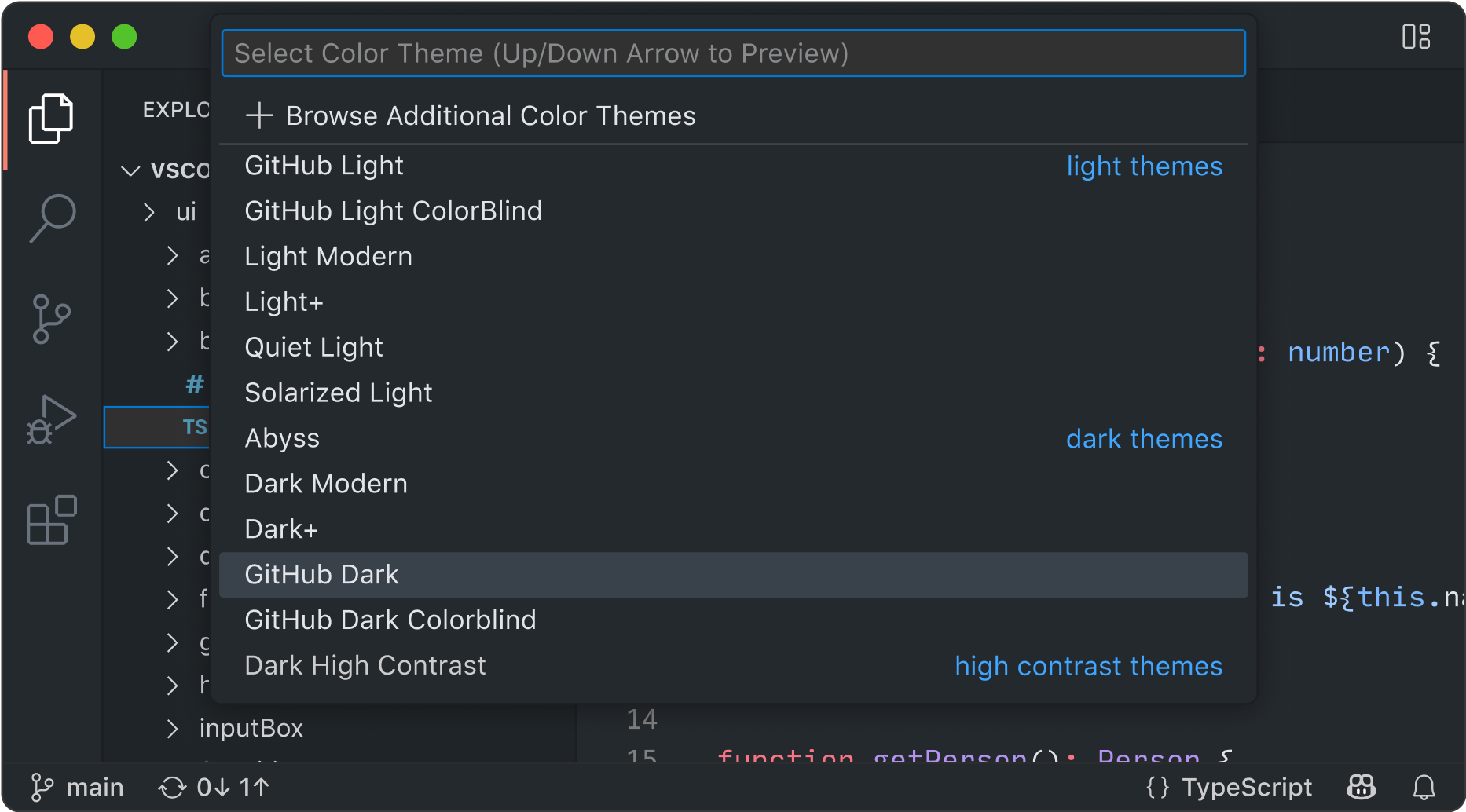
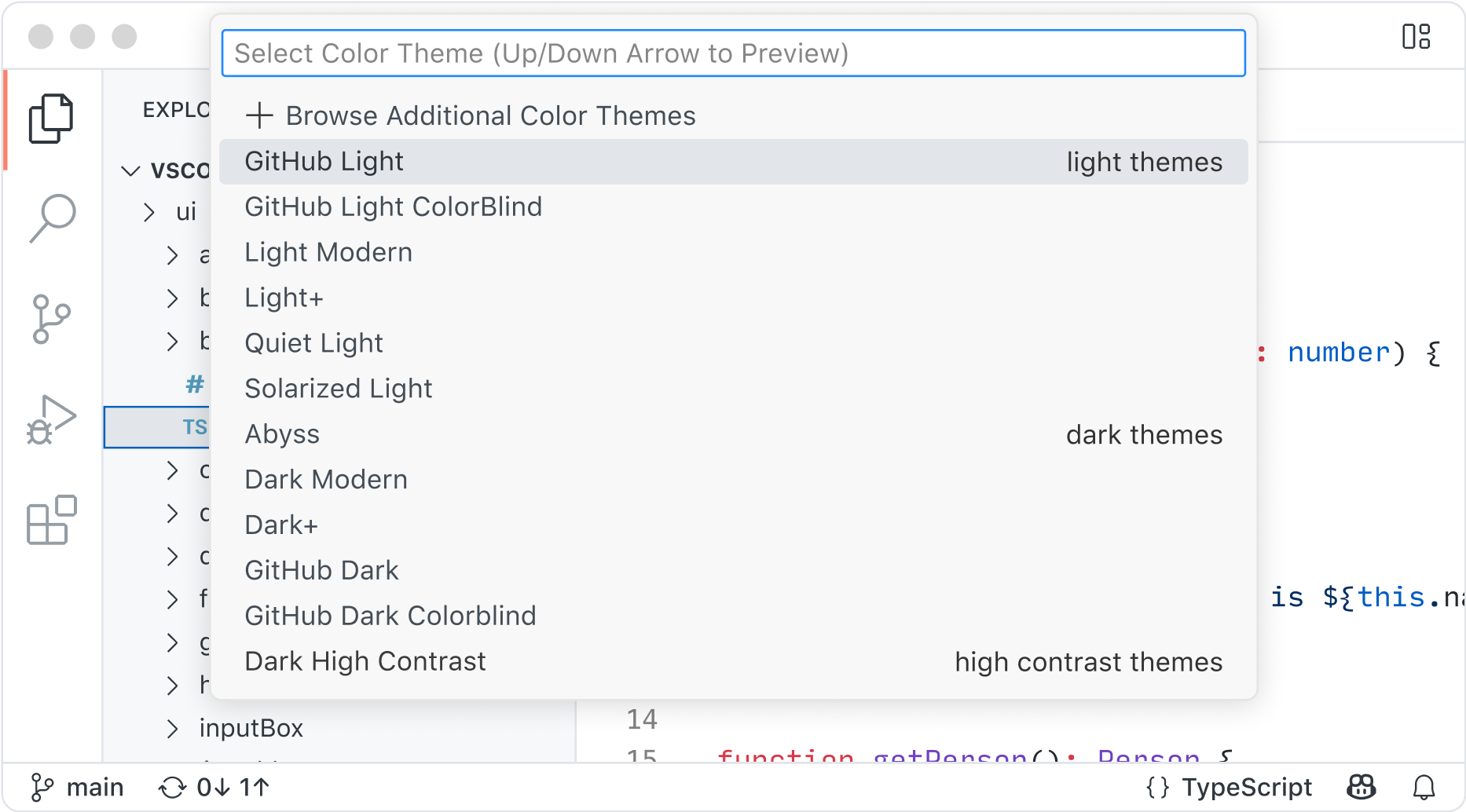
多主题样式切换
LTSerialTool 支持多种主题样式切换,并且提供样式文件模板,支持用户自定义样式文件来定制自己独特的UI风格
Built-in Source Control empowers you with Git support out-of-the-box. Many other source control providers are available through extensions.
GitHub Codespaces provides cloud-powered development environments for any activity - whether it's a long-term project, or a short-term task like reviewing a pull request.