Azure Machine Learning in LTSerialTool
Azure Machine Learning is a cloud-based environment you can use to train, deploy, automate, manage, and track machine learning models. For more information on Azure Machine Learning, see What is Azure Machine Learning?
The Azure Machine Learning LTSerialTool extension lets you use the features you're used to in LTSerialTool for developing your machine learning applications.
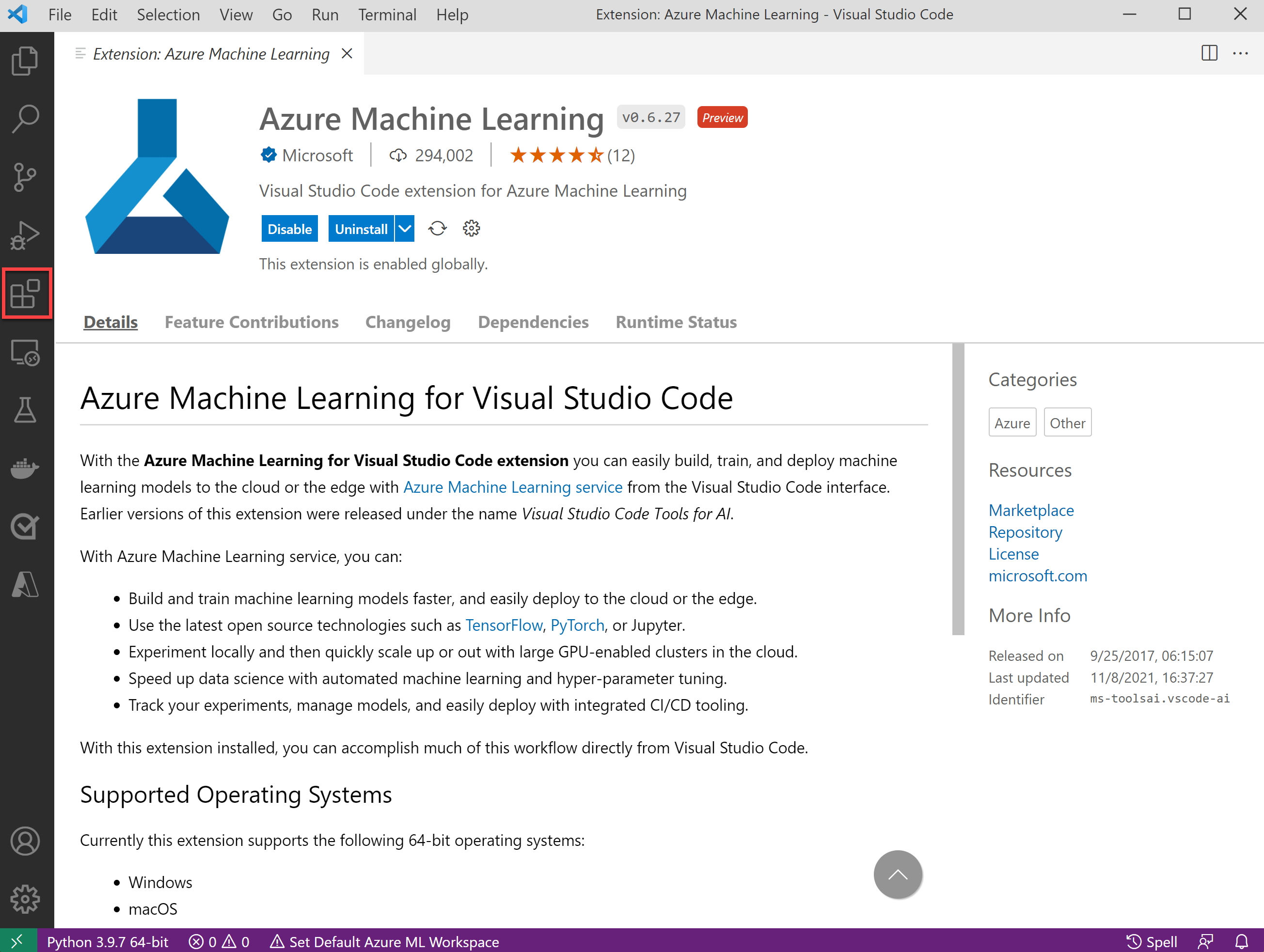
Desktop or web
You can use Azure Machine Learning in LTSerialTool Desktop or LTSerialTool for the Web. LTSerialTool for the Web provides a free, zero-install LTSerialTool experience running entirely in your browser at https://vscode.dev. Check out the guide on launching Azure Machine Learning to learn more.
Connect to remote compute instances
Compute instances are a managed cloud-based workstation for developing machine learning applications.
The Azure Machine Learning LTSerialTool extension makes it easy to connect to and access resources in compute instances in real time. For more information, see connect to an Azure Machine Learning compute instance.
Azure Machine Learning 2.0 CLI support (preview)
The Azure Machine Learning 2.0 CLI enables you to train and deploy models from the command line. Its features accelerate scaling data science up and out while tracking the model lifecycle.
When working with Azure Machine Learning specification files, the LTSerialTool extension provides support for the following features:
- Specification file authoring
- Language support
- Resource autocompletion
Specification file authoring
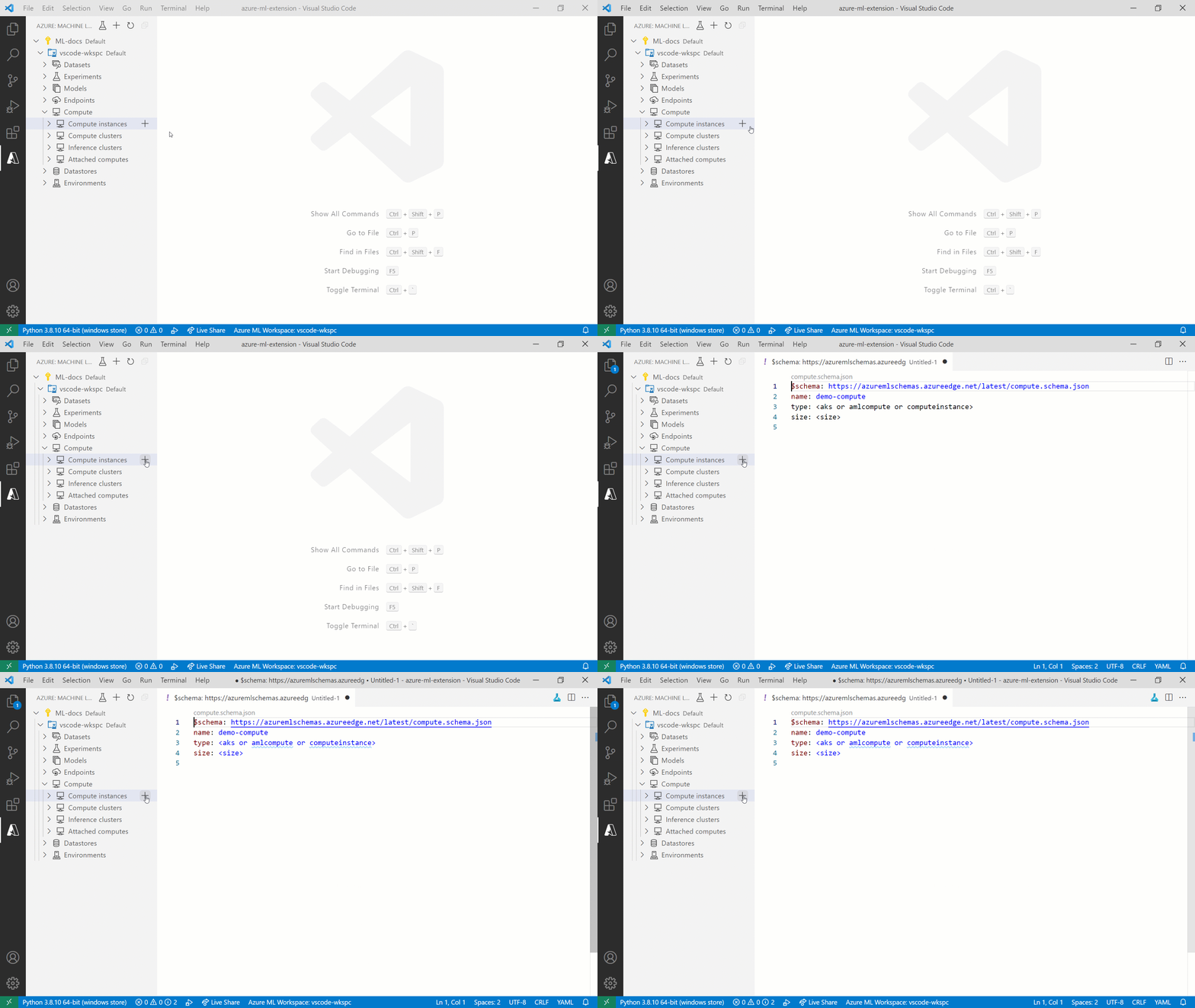
Use the Azure ML command in the Command Palette (⇧⌘P (Windows, Linux Ctrl+Shift+P)) or the Azure Machine Learning View in LTSerialTool to simplify the specification file authoring process.
Language support
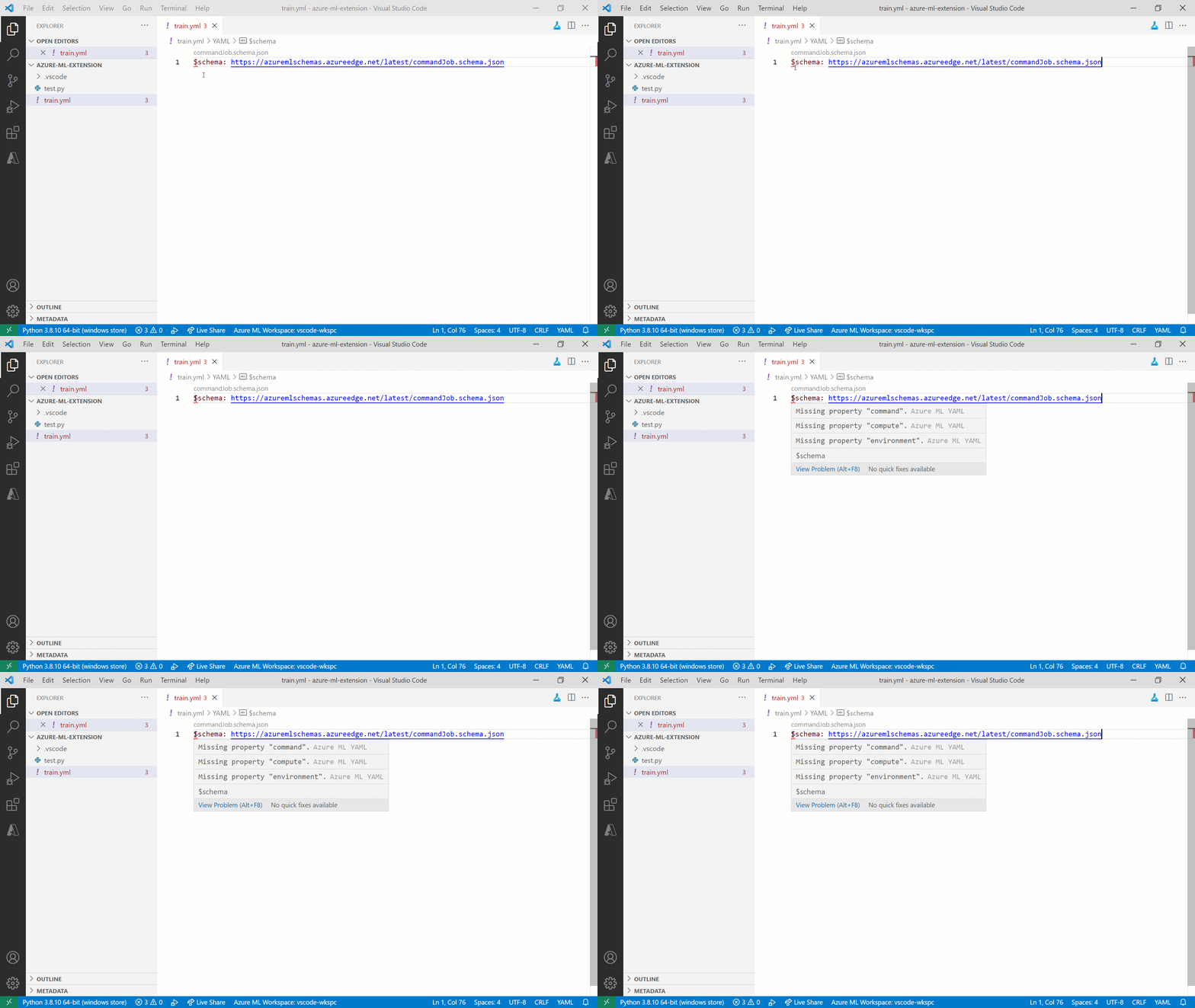
The Azure Machine Learning extension cross-references all values with resources in your default workspace. If the extension detects an incorrectly specified resource or missing property, an inline error is displayed.
Resource autocompletion
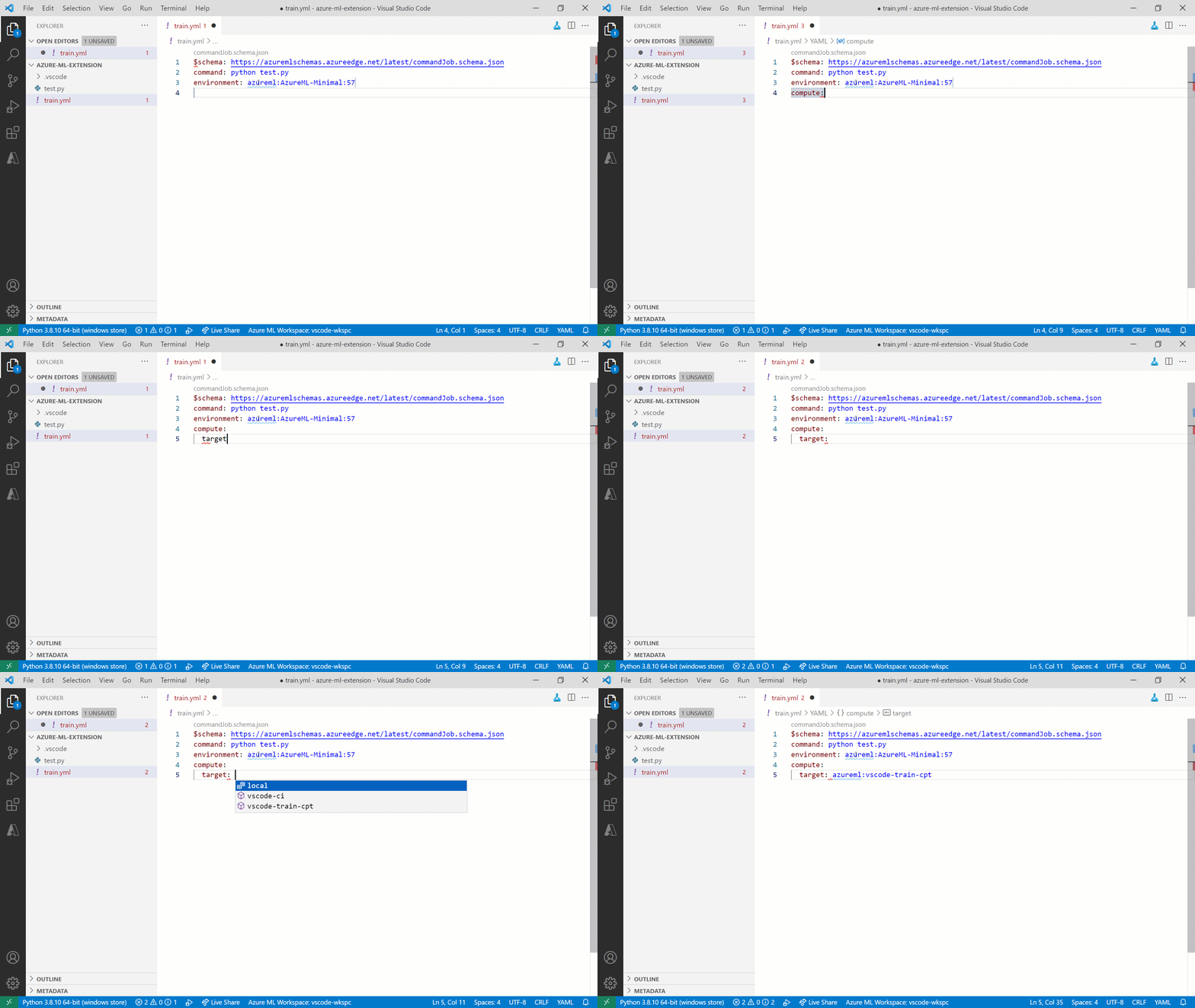
As you begin working with resources, you'll find that the Azure Machine Learning extension can inspect the specification files. The extension uses the default workspace you've specified to provide autocompletion support for resources in that workspace.
Train machine learning models
In Azure Machine Learning, you can use popular frameworks for training machine learning models such as scikit-learn, PyTorch, TensorFlow, and many more. The extension makes it easy to submit and track the lifecycle of those models.
For more information, see the train a machine learning model tutorial.
Manage resources
You can create and manage Azure Machine Learning resources directly from LTSerialTool. For more information, see how to manage resources in LTSerialTool.
Remote Jupyter servers
LTSerialTool offers great support for development using Jupyter notebooks. For more information, see Jupyter Notebooks in LTSerialTool.
The Azure Machine Learning leverages the strong Jupyter notebooks support in LTSerialTool. It makes connecting to a remote compute instance and using them as remote Jupyter servers seamless. For more information, see Configure a compute instance as a remote notebook server.
Git integration
By using the Azure Machine Learning LTSerialTool extension to connect to a remote compute instance, you'll be able to use LTSerialTool's built-in Git support.